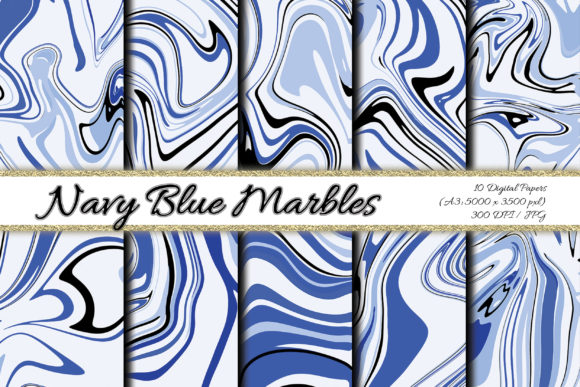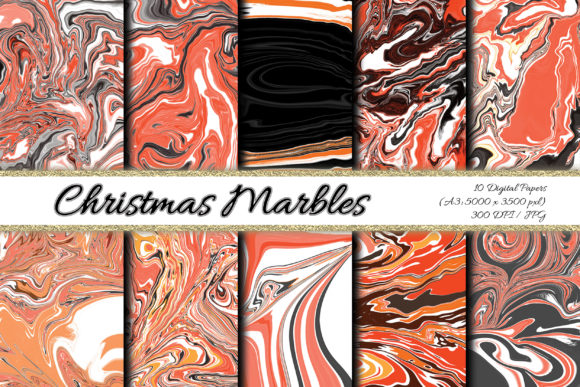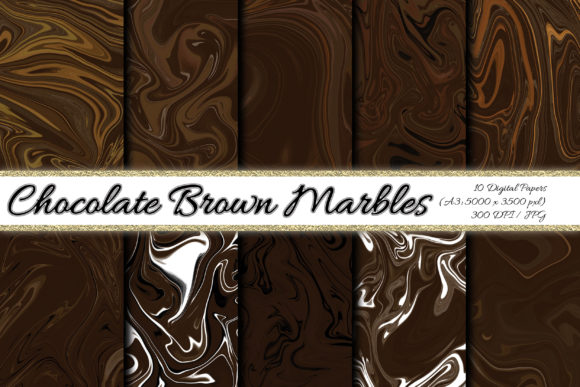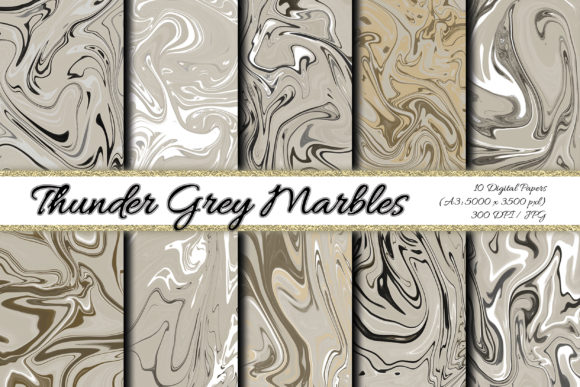
Digital Paper Jade Green Background: Choosing the Right Marble Pattern for Your Creative Projects
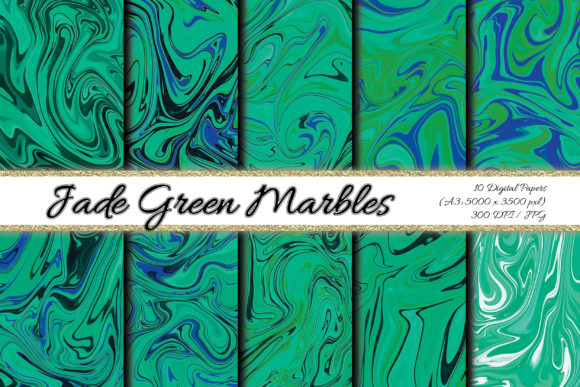
When you first come across a digital paper bundle like the Jade Green marble pattern set, the immediate reaction is often excitement. The deep, dramatic greens, the swirling veining, the promise of endless creative uses — it is easy to start downloading and using these files without a second thought. But if you have ever printed a beautiful invitation only to find the pattern looks muddy, or used a background on a website that appears pixelated on a large screen, you already know that not all digital paper is created equal. Understanding what makes a digital paper set truly versatile — and what mistakes to avoid — can save you time, money, and frustration.
This article walks through the common pitfalls people encounter when buying and using digital paper backgrounds, with a focus on what to look for in a high-quality set like the Jade Green abstract marble collection. Whether you are a small business owner creating product packaging, a hobbyist scrapbooker, or a blogger updating your site design, the goal is to help you make informed choices that actually improve your work.
Mistake One: Ignoring Resolution and DPI When Choosing Digital Paper
One of the most overlooked details when buying digital paper backgrounds is the resolution. Many people assume that if an image looks sharp on their computer screen, it will print well. That assumption leads to disappointment. Screen resolution is typically 72 dpi, while professional printing requires at least 300 dpi. A file that looks crisp on your monitor can appear blurry, soft, or pixelated when printed at standard sizes.
The Jade Green marble paper pack addresses this directly by providing high-resolution JPG files at 300 dpi, with dimensions of 16.5 x 11.5 inches (5000 x 3500 pixels). That size is roughly equivalent to A3, which gives you substantial flexibility. You can use the full sheet for wrapping paper or large-format projects, or you can crop into a small section for a tag or label without sacrificing print quality. If you have ever tried to resize a low-resolution pattern for a tote bag or pillowcase sublimation project, you know how quickly a mediocre file becomes unusable. A 300 dpi file at this scale gives you room to work.
What to Check Before You Buy
Before purchasing any digital paper set, verify the resolution and physical dimensions. Look for 300 dpi as a minimum for print projects. For sublimation on textiles, where you might need to enlarge a specific section of the pattern, higher pixel dimensions matter even more. A file that is only 12 inches wide at 300 dpi may not cover an adult-size t-shirt front without upscaling artifacts. The 16.5-inch width of this jade green set provides extra coverage, which is a practical advantage.
Mistake Two: Overlooking Format and File Organization
Another common issue is receiving digital paper in formats that are difficult to use. Some sellers offer files only in PNG with large file sizes, or in formats that require specific software. The Jade Green marble set comes as high-resolution JPG files, which is the most universally compatible format for print, web, and design software. JPG files balance quality and file size well, making them suitable for uploading to print-on-demand platforms, inserting into Canva or Procreate, or sending to a commercial printer.
Additionally, the set is packaged in a single zip file containing all 10 patterns. This might seem like a minor detail, but if you have ever downloaded a set of 50 individual files one by one, you understand the convenience of a single compressed folder. For creators who work across multiple devices or need to share files with a print shop, organized delivery saves time and reduces the chance of missing a file.
Mistake Three: Assuming One Shade of Green Works for Every Project
Jade green is a rich, sophisticated color, but not every shade of jade works in every context. Some digital paper sets offer only one variation of a color, which limits your ability to create layered or cohesive designs. The Jade Green abstract marble collection includes 10 different patterns within the same color family, giving you variety while maintaining a consistent palette. This is especially useful when designing a suite of materials — for example, a wedding invitation, RSVP card, and envelope liner that all need to coordinate without being identical.
If you are creating a brand kit or a series of social media templates, having multiple patterns in the same tonal range allows you to create hierarchy and visual interest without clashing colors. A darker, more veined marble can serve as a bold background for a quote graphic, while a softer, subtler pattern works better as a website background behind text. Without that range, you end up overusing the same pattern or forcing mismatched designs together.
Mistake Four: Using the Wrong Pattern for the Wrong Medium
A marble pattern that looks stunning on a greeting card might not work well as a blog wallpaper, and the same applies to textiles versus paper products. The texture, contrast, and scale of the veining all affect readability and visual impact. For example, a very high-contrast marble with dramatic dark lines can overwhelm small text on an invitation, making it hard to read. On the other hand, a pattern that is too subtle may get completely lost when printed on fabric through sublimation.
With 10 distinct patterns in the Jade Green marble set, you have the ability to match the right pattern to the right application. Use the busier, more dramatic patterns for large surfaces like gift wrap or wall art, and reserve the softer, more muted designs for stationery, tags, and card making where text and images need to stand out. Taking an extra minute to preview your design with different patterns from the set can make a significant difference in the final result.
Practical Advice for Textile Projects
For sublimation on apparel, tote bags, or pillowcases, pay attention to how the pattern repeats. Some digital papers have visible seams or unnatural tiling when repeated across a larger surface. The abstract nature of marble patterns is forgiving, but you still want to test a small area first. Because these files are high resolution and large, you can crop and reposition the pattern to avoid awkward transitions. That level of control is what separates a professional-looking product from an amateur one.
Mistake Five: Forgetting About Licensing and Commercial Use
It is easy to assume that because you bought a digital paper set, you can use it for anything you want. That is not always the case. Some licenses restrict the number of copies you can print, limit use to personal projects only, or require attribution. If you are a small business owner selling handmade cards, gift tags, or sublimated products on Etsy or Amazon KDP, you need to confirm that the license covers commercial use.
Most high-quality digital paper sets, including the Jade Green marble collection, include commercial use rights, but the terms vary. Always read the product description carefully. If you plan to use these backgrounds for KDP book covers, Procreate backgrounds, or packaging for resale, it is worth confirming that you are covered. A friendly email to the seller before purchase can prevent legal headaches later.
Mistake Six: Not Previewing the Pattern on a Mockup Before Printing
Even experienced designers sometimes skip the mockup stage, especially when working with a pattern that looks perfect on screen. But colors render differently on different monitors, and the way a pattern wraps around a product like a tote bag or pillowcase can change the overall look. Before you commit to a full print run, create a digital mockup or print a small test piece. This is where having a set of 10 patterns becomes valuable — you can test multiple options without ordering separate files.
The high resolution of this set also means you can zoom in on a section of the pattern to see how it behaves at the scale you intend. If you are designing a scarf, for example, you might want a larger, more sweeping marble vein pattern rather than a fine, dense texture. Being able to crop into different areas of the 16.5 x 11.5 inch file gives you that flexibility without losing quality.
Mistake Seven: Overlooking the Potential for Digital Uses
While the primary audience for digital paper is often print-based, the same files can serve beautifully in digital contexts. Bloggers and website designers frequently need background textures that are subtle enough not to distract from content. Website wallpaper, social media backgrounds, and Zoom virtual backgrounds all benefit from a clean, cohesive pattern. The Jade Green marble patterns work well in these contexts because the color is calming and sophisticated, and the abstract nature of marble avoids the visual noise of overly busy designs.
For Procreate users and digital illustrators, these backgrounds can also serve as canvases or texture layers. Importing a marble pattern as a base layer and painting over it can add depth to digital art without starting from scratch. The key is to use a file that is large enough to work with at various canvas sizes, which this set supports.
What to Look for in a Digital Paper Set: A Quick Checklist
To help you avoid these common mistakes, here is a practical summary of what to verify before purchasing or using a digital paper pack like the Jade Green marble collection:
- Resolution and dimensions: At least 300 dpi and a size that supports your intended use, whether printing or digital display.
- Number of patterns: A set with multiple variations gives you flexibility and consistency for coordinated projects.
- File format and delivery: JPG is widely compatible, and a zip file keeps everything organized.
- Commercial use rights: Confirm that your intended use is covered, especially for products you sell.
- Color accuracy: If possible, view the patterns on a calibrated monitor or request a sample before a large print run.
- Versatility across media: A good set works for paper crafts, textiles, web design, and digital art without needing modifications.
Making the Most of Your Jade Green Marble Digital Papers
Once you have a high-quality set like this one, the creative possibilities are genuinely broad. Scrapbook layouts, planner stickers, wedding invitations, gift wrap, tags, labels, wall art, sublimation transfers, KDP covers, and blog backgrounds are all within reach. The trick is to match the right pattern to the right project, test before committing, and ensure your file specs align with your output method. Taking a few extra minutes to check resolution, format, and licensing upfront will save you from reprints, refunds, or redesigns later.
The Jade Green abstract marble set is particularly well-suited for creators who want a cohesive color story across multiple products. Whether you are building a brand identity, designing a seasonal collection, or simply making gifts for friends, the depth of the jade tones and the variety of veining patterns give you room to experiment. And because the files are large enough to crop into, you are not locked into using the full sheet every time. That kind of flexibility is what separates a useful tool from a one-time purchase.
In the end, choosing the right digital paper background comes down to understanding your own workflow, knowing the requirements of your chosen medium, and selecting a product that gives you quality and room to grow. A well-made set like this one does not just save you time — it helps you produce work you are genuinely proud to share or sell.